How to Prevent App Repackaging in Android and iOS Applications
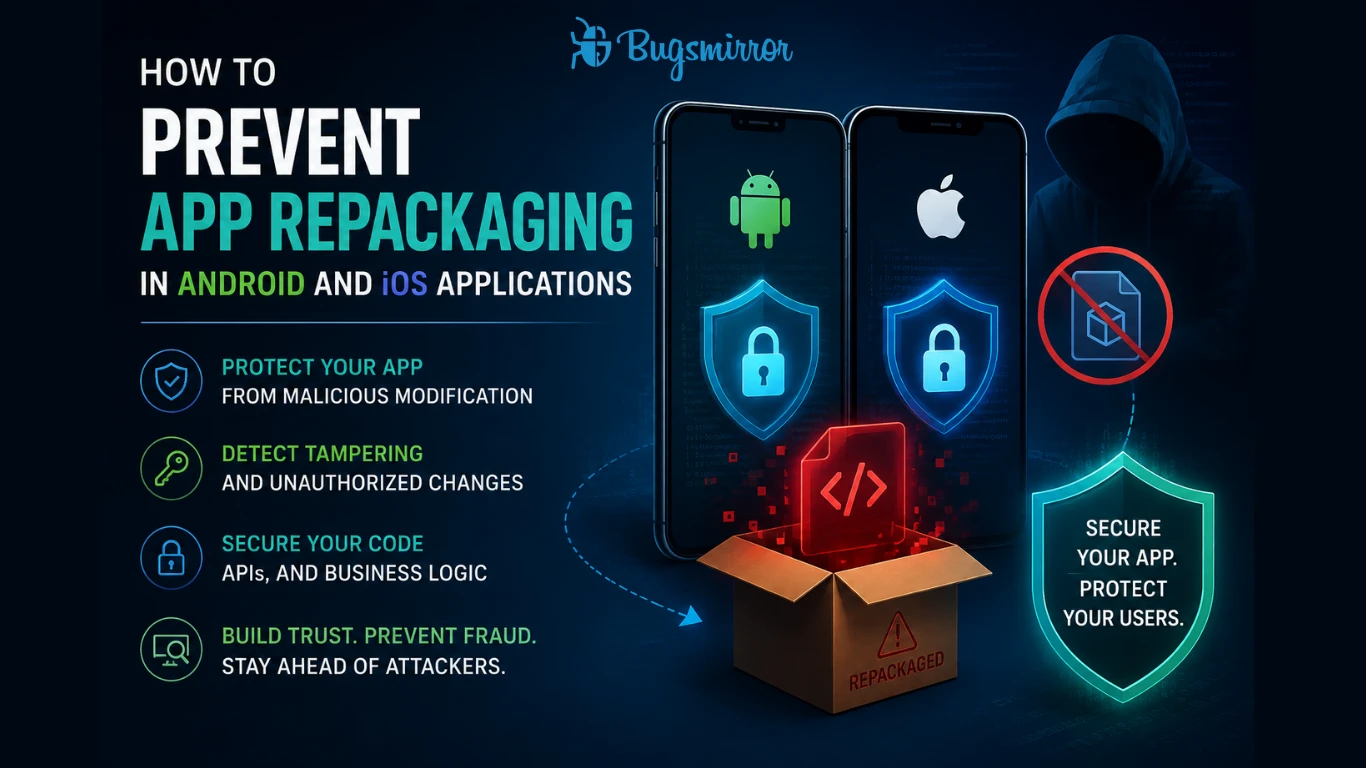
Digital attacks have increased significantly. Banking and payment apps are being targeted every day, and large amounts of money are stolen. Recently, on 24 July 2026, Bank of Baroda reportedly experienced a 1TB data leak, allegedly due to ransomware. Cyberattacks have become very common, and attackers continuously attempt to exploit systems using different methods. One of the most common attack methods on mobile applications is app repackaging; a process where attackers modify an original app, inject malicious code, and redistribute it as a legitimate version.
Repackaged apps are often used for fraud, credential theft, API abuse, and transaction manipulation. In Android apps, this is particularly widespread because apps can be easily redistributed once extracted and re-signed, while iOS apps are still vulnerable when attackers bypass protections through jailbroken environments or re-signing techniques.
That is why developers, security companies, and mobile app businesses should understand and prevent app repackaging using a multi-layered security strategy, rather than relying on a single control.
How app repackaging is performed
Attackers typically follow a predictable workflow during a repackaging attack:
- Decompile the app (APK/IPA)
- Modify app logic (inject malware, bypass checks, enable fraud)
- Re-sign the app with a new certificate
- Redistribute via third-party stores or phishing links.
This process is relatively accessible in Android due to the open ecosystem.
Once deployed, repackaged apps are used to:
- Intercept or alter API communication
- Bypass authentication or device binding.
- Automate fraudulent transactions.
- Exfiltrate credentials and session tokens.
In such cases, security measures like marketplace-level checks are not enough. Marketplace-level protections alone do not prevent repackaging or app cracking. Thus, it is important to protect business apps from repackaging to protect data as well as monetary.
Techniques to prevent app repackaging
The main techniques to prevent app repackaging are the following:
1. Code obfuscation and hardening
Obfuscation transforms readable code into complex structures, making reverse engineering significantly harder.
However, obfuscation alone is not sufficient. Modern cheat tools can still de-obfuscate code, which is why it should be combined with deeper protections like code encryption and hardening.
2. App integrity and signature verification
Every mobile app is signed with a developer certificate. On iOS, mandatory code signing ensures that only trusted code runs on devices, forming a strong chain of trust.
To prevent repackaging:
- Validate signing certificates at runtime
- Compare hash signatures with expected values
- Detect mismatches and terminate execution
These checks ensure that a modified app cannot run silently.
3. Runtime anti-tampering controls
Static protections are not enough, attackers operate at runtime using tools like Frida or debuggers.
Runtime protections should include:
- Tamper detection (code or resource modification)
- Anti-debugging and anti-hooking
- Root/jailbreak detection
- Emulator detection
If tampering is detected, the app should block execution or restrict access to sensitive operations.
4. Secure API communication
Repackaged apps often target backend APIs.
Key protections:
- Certificate pinning to prevent interception
- Token validation and short-lived sessions
- Server-side validation of transactions
For fintech apps, this is critical. Attackers frequently modify API calls to manipulate balances, bypass authentication, or automate fraud.
5. Encryption and native code protection
Sensitive logic should never be exposed in plain code.
Best practices:
- Encrypt critical assets and decrypt at runtime
- Move sensitive logic to native layers (C/C++)
- Protect keys using secure enclaves or hardware-backed storage
Native code is significantly difficult to reverse engineer as compared to standard bytecode.
6. Continuous monitoring and threat detection
Repackaging is not a one-time attack, it is continuously evolving.
Organizations must monitor:
- Unofficial app distributions
- Abnormal usage patterns
- Fraud signals across devices and sessions
This helps to detect if repackaged versions are actively being used in the wild.
The missing layer: Validating your protections
Most organisations implement the techniques above but it's not enough. These security measures are often bypassed. To protect applications from advanced attacks and with increased AI involvement in attacks, multiple security layers and periodic security testing is very important.
This helps fill the critical gap.
Existing protections resilience. Are they bypassable?
Modern attackers actively employ methods like reverse engineering, hooking frameworks, and runtime manipulation. If your defenses are not validated, they are likely already broken.
How to get a multilayer security approach
A multilayer approach to threat detection services ensures protection across the entire application lifecycle. Instead of relying on a single control, it combines prevention, detection, and response to secure mobile and fintech applications against evolving threats like repackaging and API abuse.
A multilayer security approach includes:
- Implementing security in the developmental phase.
Security should start right from development by following secure coding practices and eliminating vulnerabilities early. This includes protecting sensitive data, avoiding hardcoded secrets, and building secure architectures. Early implementation reduces risks and strengthens overall application security.
- Security testing to check the security
It includes static testing, dynamic testing and API security testing and red teaming assessments.
- Static Application Security Testing (SAST) Tools: Bugsmirror CodeLock examines the binaries of an app to find 25+ security vulnerabilities.
- Dynamic Application Security Testing (DAST) Tools: Bugsmirror RunLock tests an app while it's running to identify more than 50 runtime threats.
- Interactive Application Security Testing (IAST) Tools: Bugsmirror APILock tests APIs manually by capturing them during runtime and identifies vulnerabilities in API security.
Bugsmirror ThreatLock, a manual Red Teaming Assessment that finds business logic flaws and operating system-level vulnerabilities affecting your mobile app.
Runtime security (RASP)
Runtime Application Self-Protection (RASP) is a core part of modern Threat Detection Services. It operates inside the app to detect and block threats like tampering, reverse engineering, and runtime attacks in real time, ensuring continuous protection after deployment.
Bugsmirror Defender is a mobile-first RASP and application shielding solution designed to protect applications from within. It can detect and block over 50 runtime threats.
- Real-time threat intelligence
Real-time threat visibility helps in faster detection and response. Bugsmirror ThreatLens helps in identifying anomalies, analyse risks, and strengthen decision-making for improved security posture. Additionally, with its Over-the-air (OTA) update feature, security configurations of the app can be updated without re-deploying the app.
Conclusion
Bugsmirror brings all these layers together into a unified security approach covering development, testing, runtime protection, and real-world validation. With strong security practices, Bugsmirror MASST capabilities extend further by continuously analysing, testing, and validating application security. This ensures that protections are not only implemented but also effective against real attacker techniques, giving organizations a complete and resilient security framework.
Protect your mobile applications from repackaging and real-world attacks. Contact us.
Share this article
Help others discover this content
Don’t give fraud a way in. Secure every layer of your mobile app.
100M+
Users Protected
100+
Apps Secured
1000+
Apps Hardened