Protect mobile apps against Reverse Engineering & Code Tampering
Mobile applications contain business logic, security controls, API endpoints, sensitive strings, and implementation details that attackers can analyse after obtaining the application package.
Attackers can reverse engineer APKs and IPAs, extract application logic, modify code, bypass security controls, and repackage applications for distribution.
What Is Reverse Engineering & Code Tampering?
Reverse engineering involves analysing a mobile application's compiled code to understand its logic, functionality, security controls, APIs, and implementation.
Attackers use tools to decompile application packages, inspect DEX files and native libraries, extract strings, analyse application flows, and identify weaknesses that can later be exploited.
Code tampering goes a step further. Attackers modify application code or resources to change application behaviour, disable security controls, introduce malicious functionality, or bypass application restrictions.
Even when an application is securely developed and signed, its distributed binary can become a target for analysis and manipulation.
This makes application hardening, integrity protection, tamper detection, and runtime protection important layers of mobile application security.
Major Reverse Engineering & Tampering Threats
Intellectual Property Theft
Malware Injection and Trojans
APK & IPA Reverse Engineering
Code & Logic Extraction
DEX & Native Library Analysis
Application Repackaging
Code & Resource Tampering
Security Control Bypass
App Spoofing
Static App Patching
Why Is Mobile Application Code Becoming Harder to Protect?
Security Is Still Behind the Risks
A study of 5 lakh Android APKs found that code obfuscation practices increased by only 13% over eight years, from 2016 to 2023. This indicates that code protection techniques are still not widely adopted.
34.8% of Finance Apps Lacks code protection
34.8% of Android finance apps had no code protection. This is particularly relevant for fintech and financial applications where application logic and security controls are high-value targets.
No Anti-tampering Protection
On analysing 14,173 Android apps, it is identified that 59% of these apps have neither anti-debugging nor anti-tampering protection.
Code Protection Is Not One Control
A study by UNEC (JCSDT) suggests that obfuscation alone is not enough. Effective mobile app protection combines code and string encryption, application integrity checks, checksum validation, runtime threat detection, tamper protection, and real-time threat visibility.
Reverse Engineering Can Become Business Risk
When application code can be analysed or modified, attackers may gain insight into proprietary business logic, security mechanisms, API interactions, authentication flows, or controls designed to prevent abuse.
For CISOs, CTOs, Heads of Information Security, AppSec, DevSecOps, developers, and fraud teams, this creates a critical question:
Can your mobile application remain trustworthy when its binary is in the hands of an attacker?
Successful reverse engineering and tampering can contribute to:
Why Is Application Hardening Important After Development?
Mobile application security cannot rely only on secure coding and pre-release testing.
Once an APK or IPA reaches a user's device, attackers can obtain the application binary and analyse it in environments they control. Application hardening makes this analysis and modification more difficult by protecting the code, strings, libraries, and other application components.
A stronger approach combines:
Code Hardening + Tamper Detection + Runtime Integrity + Threat Response
Protection should address both static analysis and runtime manipulation.
Application hardening can make reverse engineering more difficult, while runtime controls can help identify whether an application has been modified or is executing in an untrusted environment.
What Bugsmirror MASST Delivers?
Application Hardening & Anti-Reverse Engineering
Bugsmirror Shield strengthens mobile application resilience against reverse engineering by protecting application code, DEX components and native libraries. Protected components can be encrypted and loaded at runtime, increasing the difficulty of extracting and analysing application logic.
Runtime Tampering Detection
Bugsmirror Defender adds runtime protection against threats that can be used after an attacker has analysed or modified an application, including hooking, code injection, debugging, repackaging and other runtime manipulation techniques. This helps security teams distinguish the expected application from modified or repackaged versions.
Security Testing Before Deployment
CodeLock, RunLock and APILock capabilities can help identify application weaknesses before release, while ThreatLock can assess the application's resilience against realistic attack scenarios.
Real-Time Threat Visibility
ThreatLens provides visibility into runtime security events across applications, users and devices, helping security teams understand how protected applications are being targeted in production.
Strengthen Your Mobile App Against Reverse Engineering
Empowering leading enterprises to protect their digital assets with next-generation security.



















Let's Talk Security
Fill out the form below and our security experts will reach out to you shortly.
FAQs

Explore related content
Learn about mobile app protection, anti-reverse engineering, RASP, and app shielding.
.webp)
How to Prevent Reverse Engineering in Android and iOS Mobile Apps
App repackaging and reverse engineering allow attackers to modify apps, steal data, and clone features. This blog explains how code encryption and app shielding protect mobile applications from tampering and IP theft.
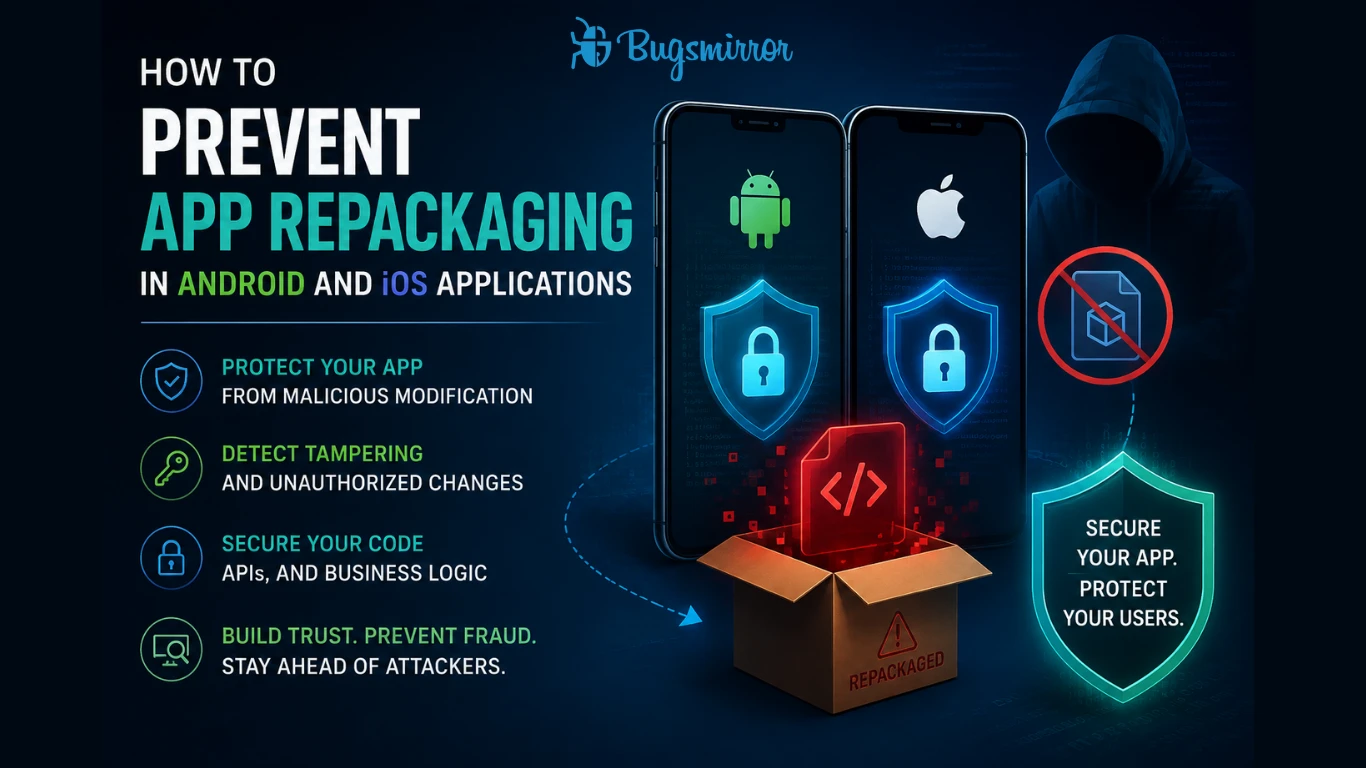
How to Prevent App Repackaging in Android and iOS Applications
App repackaging is a critical mobile app security threat where attackers modify and redistribute legitimate apps to inject malicious code. This can lead to fraud, data theft, and brand damage, making runtime protection and tamper detection essential for Android and iOS applications.